
MCTRL300
โพสต์เมื่อ : 24 มิ.ย 2567 เวลา 3:28 น.
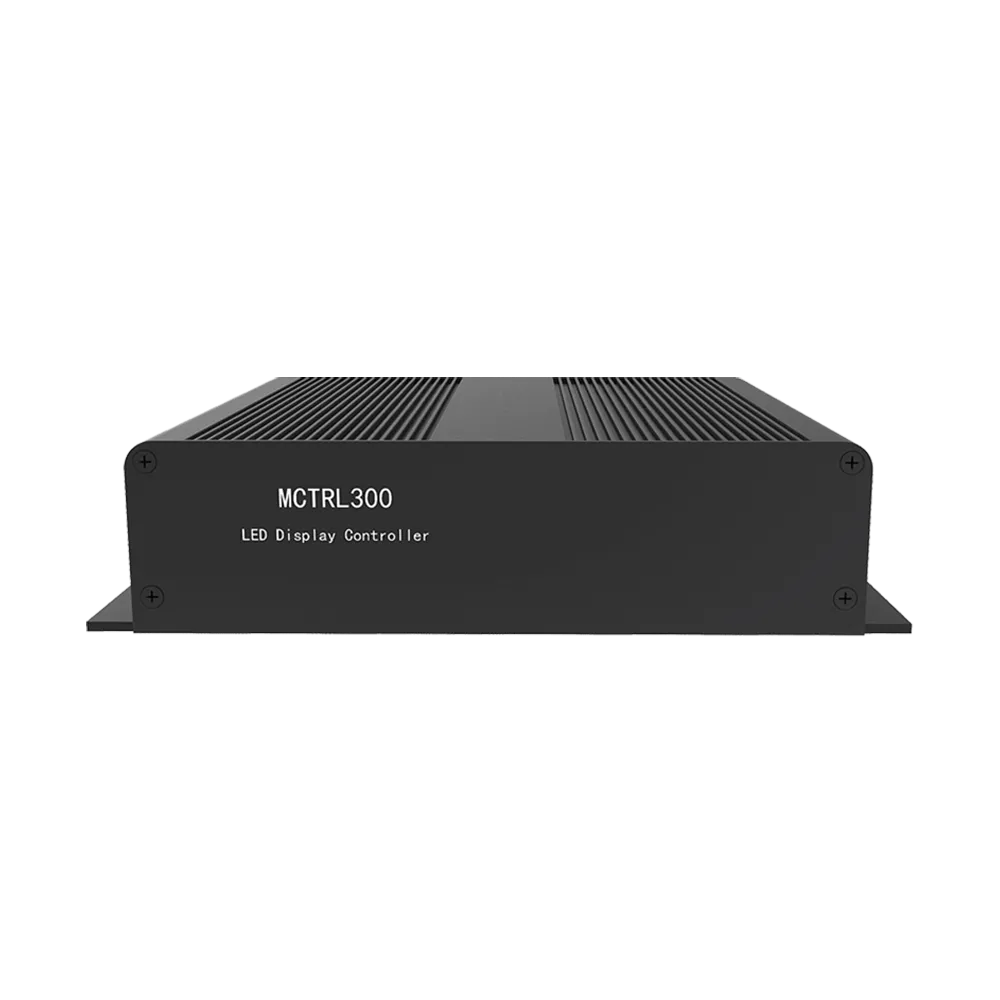
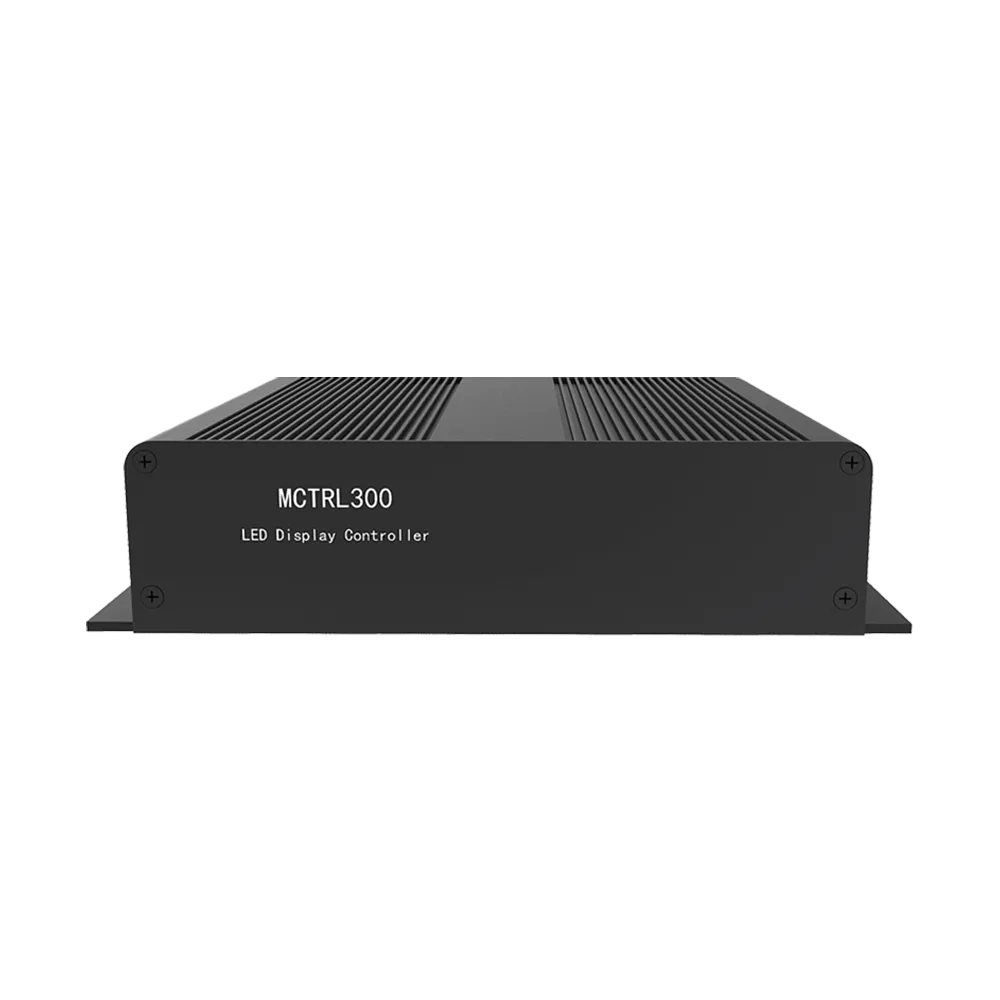
MCTRL300
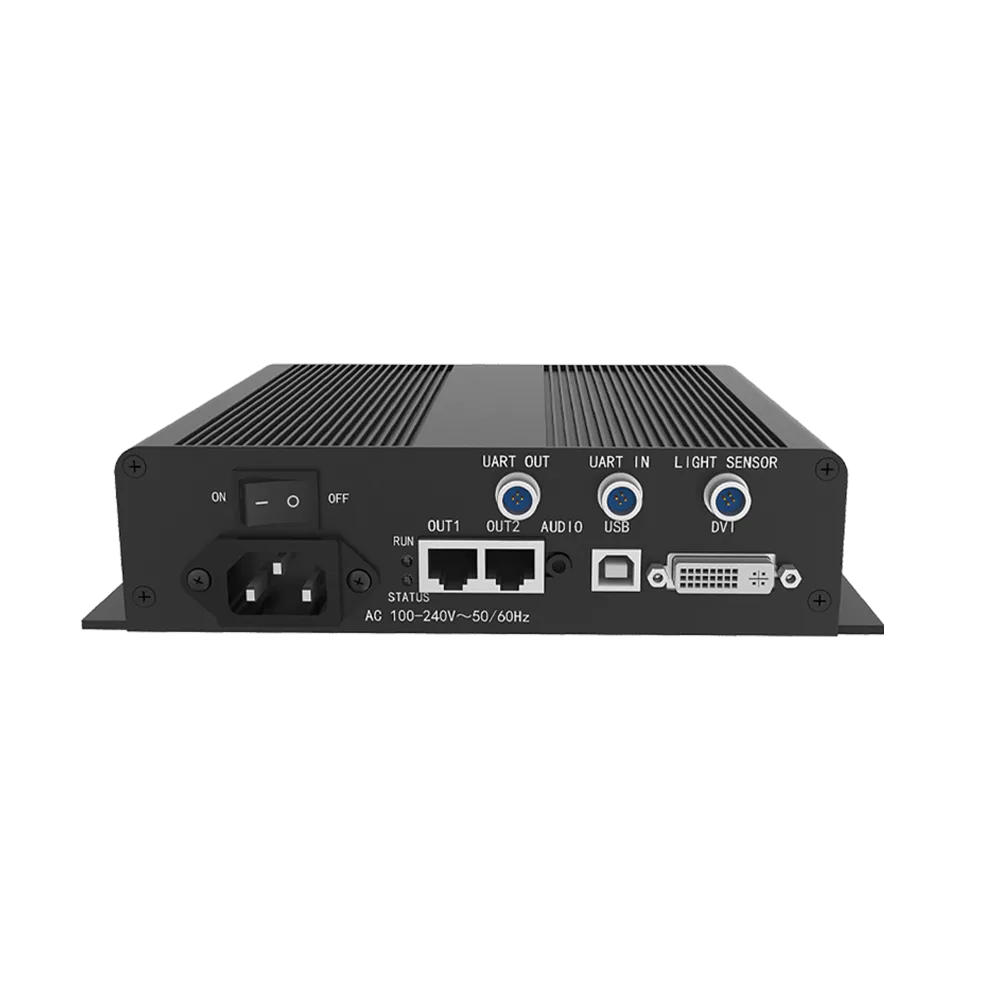
MCTRL300 is NovaStar’s independent control card from the M3 Series, and supports audio and video input. The M3 undertakes encoding and data processing, sending the audio and video to the display. A single card supports maximum loading capacity of 2048×668@60Hz. It communicates with PC via USB port for convenience.
- DVI video input
- Audio transmission
- Dual-Ethernet output, with dual-Ethernet cable hot backup and multiple controller hot backup
- USB port control, for cascading and control of multiple units
1.3 million pixel loading capacity, with resolutions of 1280×1024@60Hz, 1024×1200@60Hz, 1600×848@60Hz, 1920×712@69Hz, 2048×668@60Hz and Maximum height: 3840; Maximum height:3840 1 light sensor interface, adjust the screen brightness automatically Independent power supply Certifications: CE, RoHS, EAC, FCC, IC
Features
- 1 × DVI input
- 1 × audio input
- 1 × type-B USB control port
- UART control ports to cascade devices for uniform control.
- Dual Ethernet outputs.
- Supports the new generation of NovaStar calibration technology, which is fast and efficient.
- 1 × light sensor connector.
- Supports resolutions up to 2048×668@60Hz and downward compatibility.
- Supports a variety of video formats.
Specification
| Connector | Connector Name | Description |
|---|---|---|
| Input | DVI IN | Single-link DVI connector Resolution up to 1920×1200@60Hz and downward compatible Custom resolutions supported: Resolution with maximum width: 3840×600@60Hz Resolution with maximum height: 800×2560@60Hz |
| AUDIO | Audio input connector | |
| Output | RJ45 × 2 | 2 Gigabit Ethernet outputs Maximum loading capacity of a single Ethernet port: 650,000 pixels Support redundancy between Ethernet ports. |
| Function | LIGHT SENSOR | Connect to light sensor to monitor ambient brightness to realize automatic screen brightness adjustment. |
| Connector | Connector Name | Description |
| Control | UART IN/OUT | Input and output ports for cascading devices |
| USB | Type-B USB control port for connecting to PC | |
| Power | AC 100V-240V~50/60Hz | |
| Indicators | ||
| RUN | Device operating indicator. Working status: Flashing slowly: Video input unavailable Flashing normally: Video input available Flashing rapidly: The screen is displaying startup image. Breathing: Ethernet port redundancy has taken effect. | |
| STATUS | Device power indicator. Working status: On: The power supply is normal. Off: The power is not supplied, or the power supply is abnormal. | |